

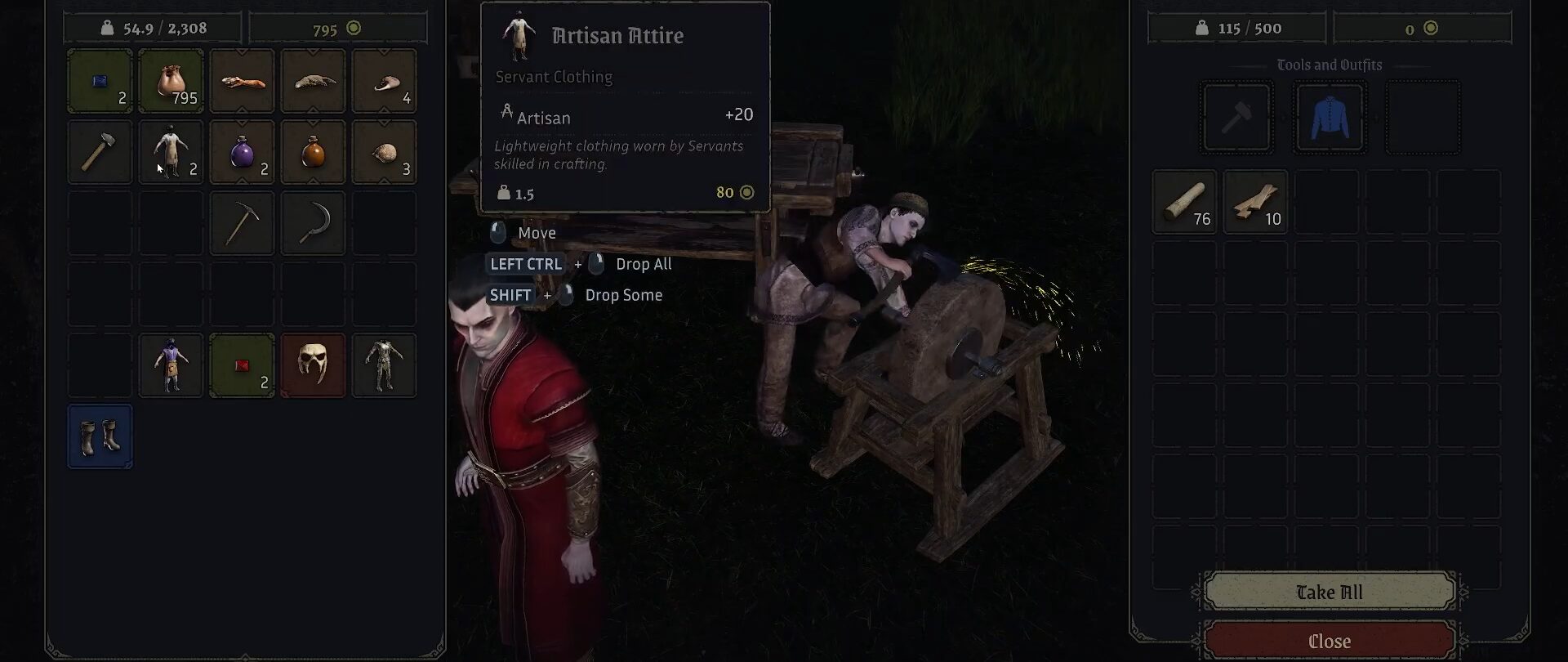
Equipping your vampires with the required tools and clothing in Vampires: Bloodlord Rising improves their efficiency and speed while completing their assigned tasks. Managing your vampires becomes much easier when they are well-equipped.
In this Vampire: Bloodlord Rising guide, you will learn where to find gear for your vampires, equip them, and unlock bonus attributes.
How to Equip/Gear Vampires
Open the Vampire Inventory
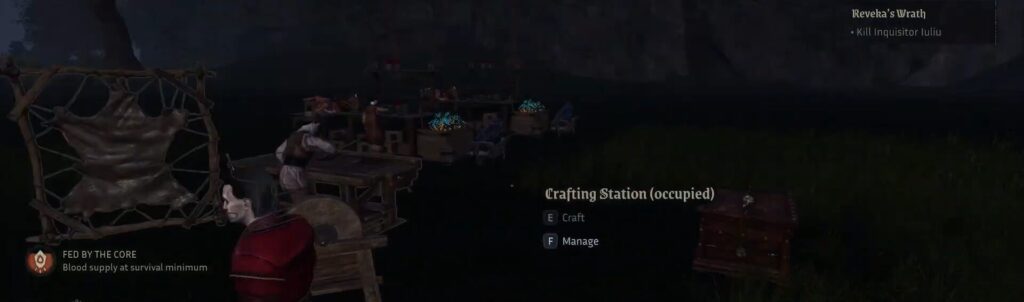
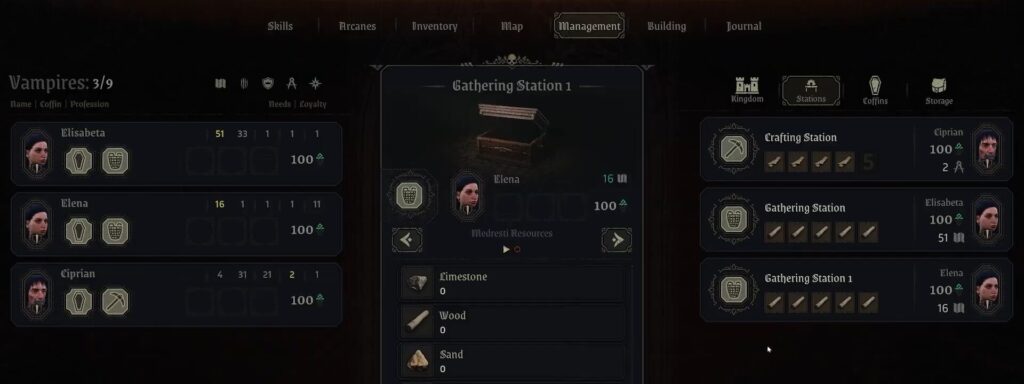
Once you have recruited some vampires, assign them to a workstation first. To assign vampires to workstations, approach a workstation and press F on your keyboard.
A Mini tab will appear. Next, drag any workstation task to the toolbar slot of your selected vampire.
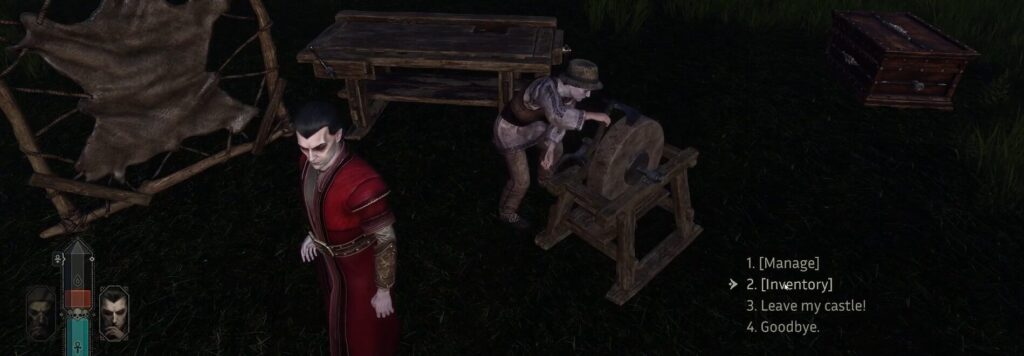
To equip the vampire with tools and clothing, approach the vampire at their work station and interact with them. From the mini-interaction window, select inventory by pressing 2 on your keyboard.
Equip Tools and Clothing/Gear
Inside the inventory screen, you will see slots for tools and gear. Generally, you will find these tools and gear while exploring the open world.
You can also craft them with the right resources.
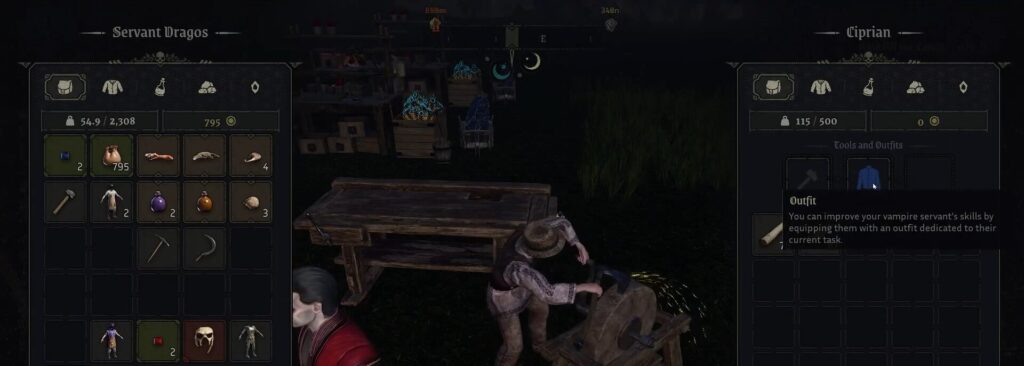
Each item typically provides a skill bonus that improves how well a vampire completes their tasks. To equip it, simply drag it into the appropriate equipment slot in the vampire’s inventory.
Unlock Gear Bonus attributes
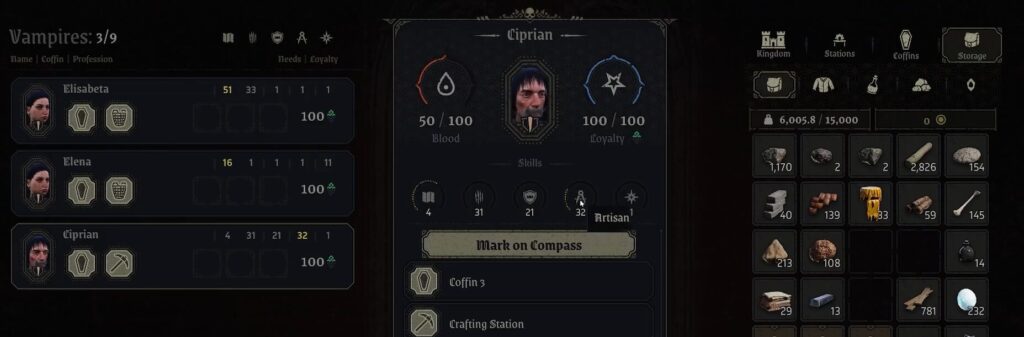
After equipping the gear, exit the inventory and interact with the vampire again. The bonus attributes of the tool or gear will automatically be reflected in their total skill score.
Now you know how to equip and gear your vampires for improved efficiency and crafting speed in Vampires: Bloodlord Rising.
ALSO READ: Project Gorgon (2026): How to Unlock Your First Mount
 Tafa Mus
 Pritish Samantaray
 Jakeyy