

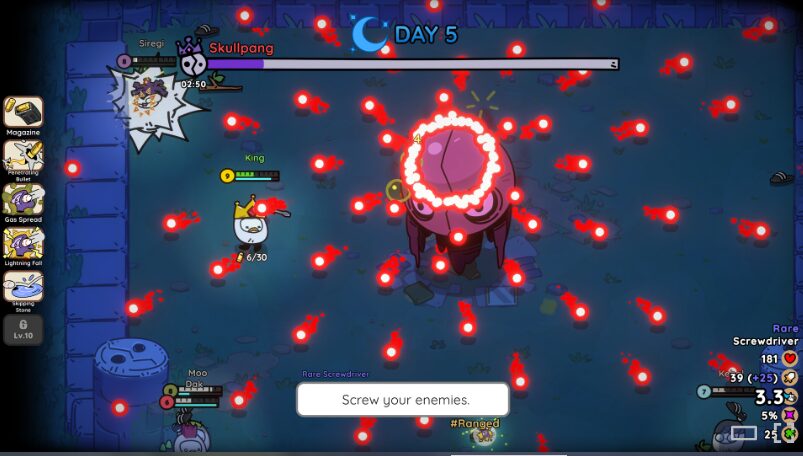
The game Pebble Knights is out on early access and a lot of gamers are complaining about Crashes while trying to open the game. If you are experiencing constant crashes while trying to play the game and want to know the best Pebble Knight Crash fix, you have come to the right place.
This guide goes through the best fixes to get your game back up and running. Let’s get right to it!
Pebble Knights Crash Fix
Dx 11
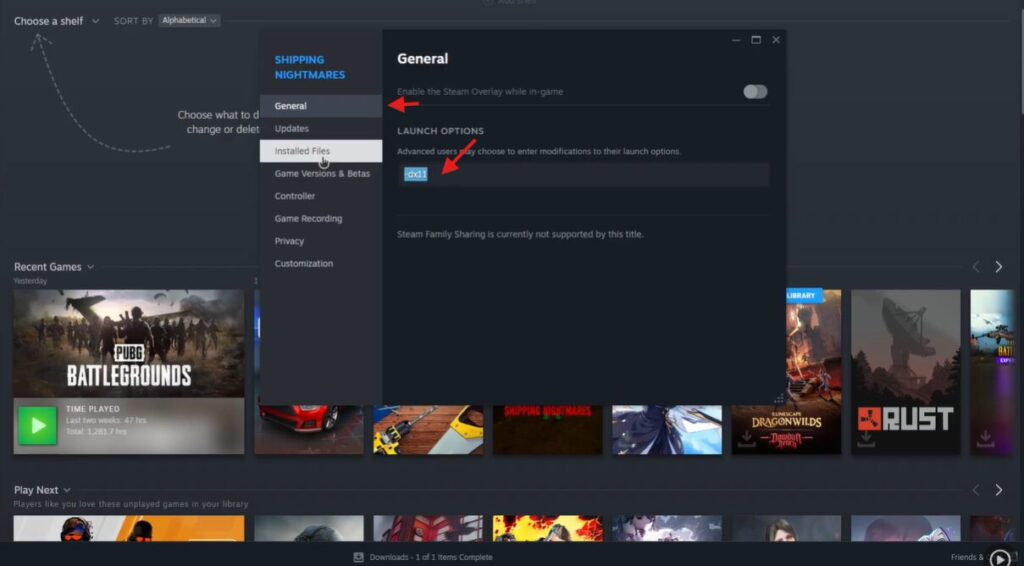
First, head to your game library and right click on the game and press the properties tab. This should open a list of settings. For the first tweak, choose the general tab and type -dx11 on the box provided.
Verify the Game Files
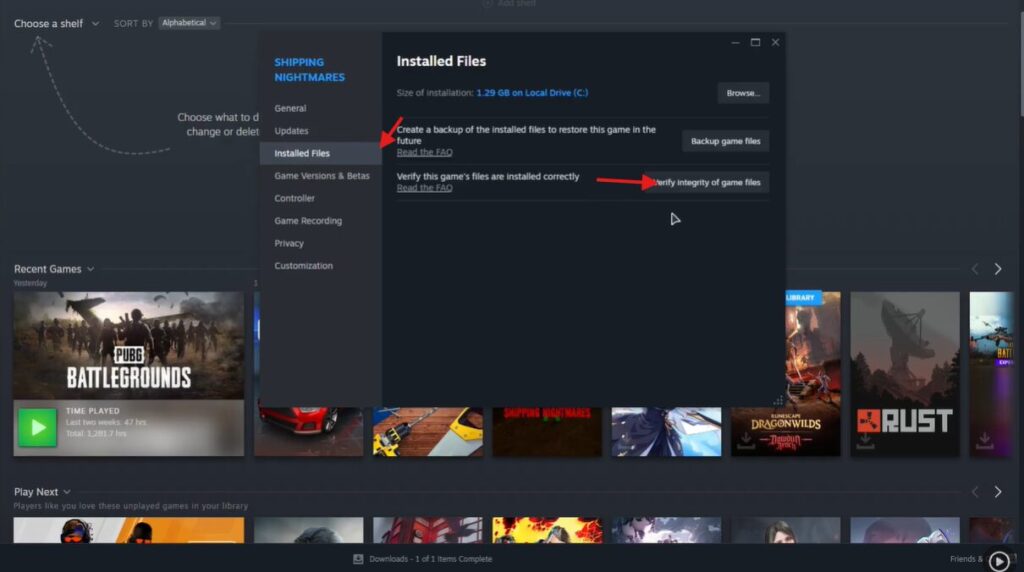
The next thing you need to do is verify game files. To do this head to the installed files tab and click on the Verify Integrity of Game Files button.
Install the Latest Redist
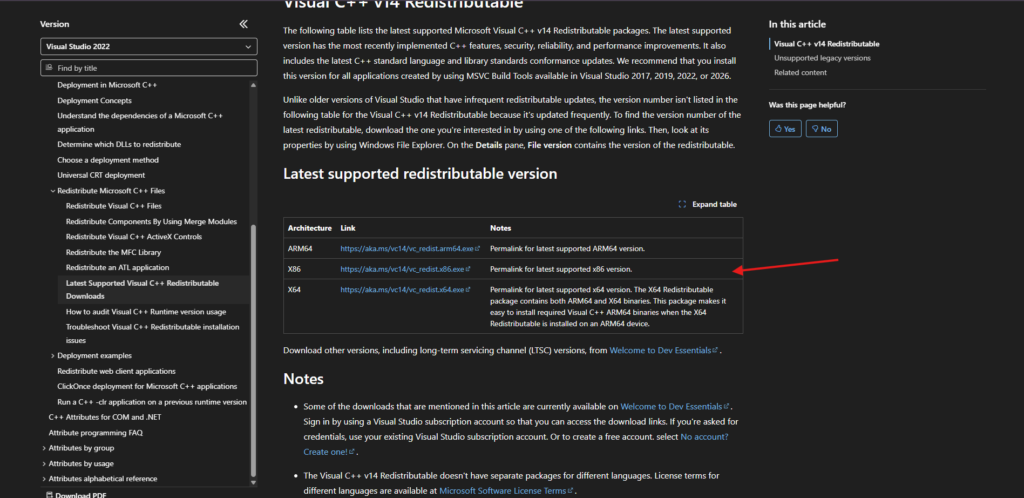
The final thing you need to do is install the latest Redist, to do this click the link below.
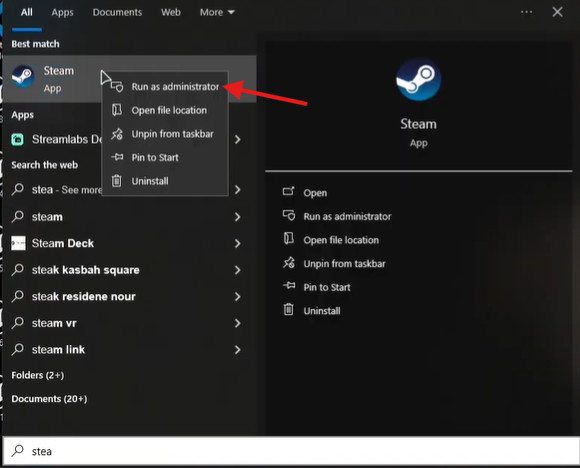
Run Steam as Administrator
The final thing you want to do is run Steam as Administrator and launch the game from the app.
These tweaks and fixes should fix the constant crashes. I hope you enjoyed this quick and easy guide. Happy Gaming!
ALSO READ: Road to Vostok: How to Reload the Mosin
 Tafa Mus
 Pritish Samantaray
 Olatunde-Bada