


Completing quests is a big part of Cowboy Life Simulator. For each quest you complete, you earn specific reward items that can improve your gameplay or currency to buy useful gear.
In this guide, you will learn how to turn in Mailbox Requests.
How to Turn in Mailbox Requests in Cowboy Life Simulator
The mailbox messaging system is a lifesaver! It helps you reduce travel and wandering time while playing, letting you stay focused on your adventures.
NPCs send new quests directly to your mailbox, so checking it regularly is key.
How to Turn in Mailbox Quest Items
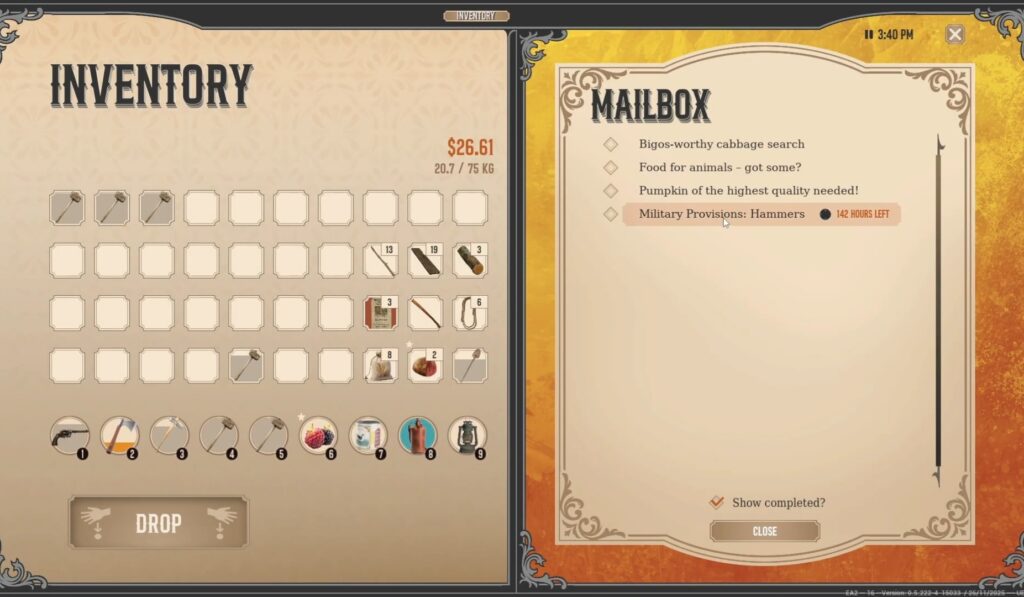
When you accept a Mailbox request, there’s no need to travel to the NPC who gave you the quest. You can complete it right from your mailbox! Here’s how:
- Approach your mailbox and interact with it.
- Open the message or quest you want to complete.
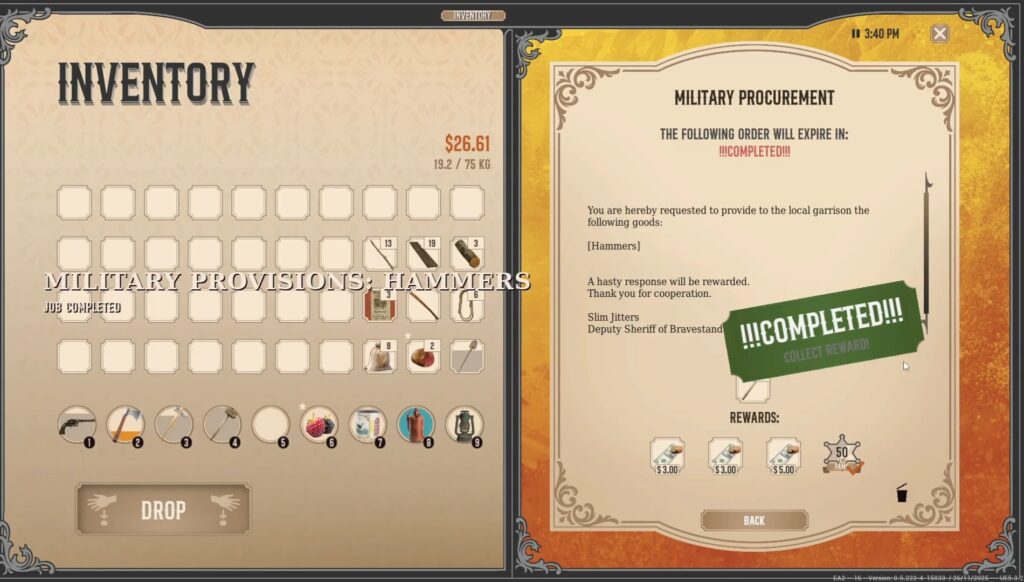
- Drag and drop the required quest items from your inventory into the allocated tab in the message.
- Collect your rewards—the quest will automatically be completed!
Using this method, you can finish quests quickly without leaving your location. It’s especially useful for quests with time-sensitive deadlines, so you never miss a reward!
Pro Tips:
- Always check your mailbox regularly; some quests may expire if ignored.
- Keep quest items organized in your inventory to make turn-ins faster.
- Combining mailbox quests with your daily farming or mining routes saves a ton of time.
With this trick, you’ll be a mailbox quest master, completing missions without all the running around. Happy questing, cowboy!
 Tafa Mus
 Pritish Samantaray
 Jakeyy