

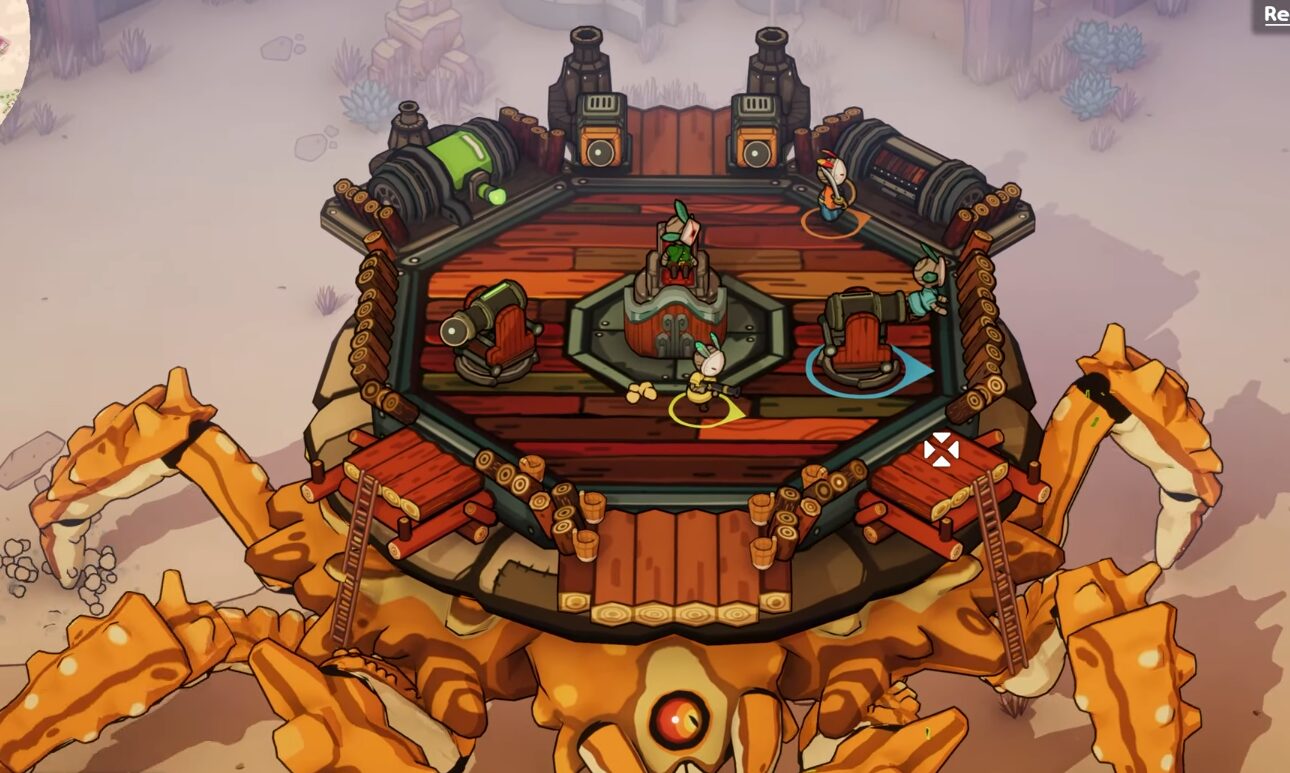
Crashing can be a serious pain, especially if you’re trying to open and enjoy your game. Many Players have complained that the newly released action-adventure game DuneCrawl crashes on startup. If you are wondering how to fix this issue, you have come to the right place.
Today, we will be going through all the fixes that you need to get your game up and running on startup. Let’s get right to it!
How to Fix Crashing for Desktop
Disable Some Startup Apps and Processes
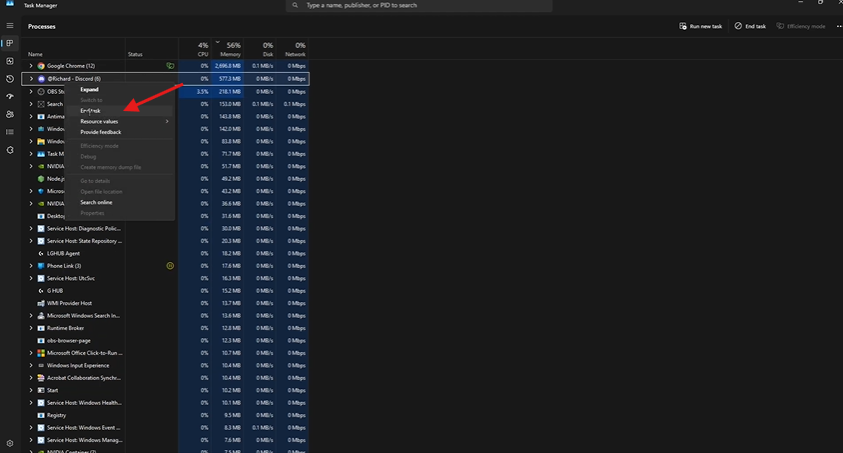
The first thing you need to do is disable some startup apps and Processes from Task Manager. To do this, all you need to do is right-click on your taskbar, open Task Manager, and below are some apps and processes that, when running, might cause the game to crash. Right-click on them and disable them.
- Translucent TB
- Discord
Install New Drivers
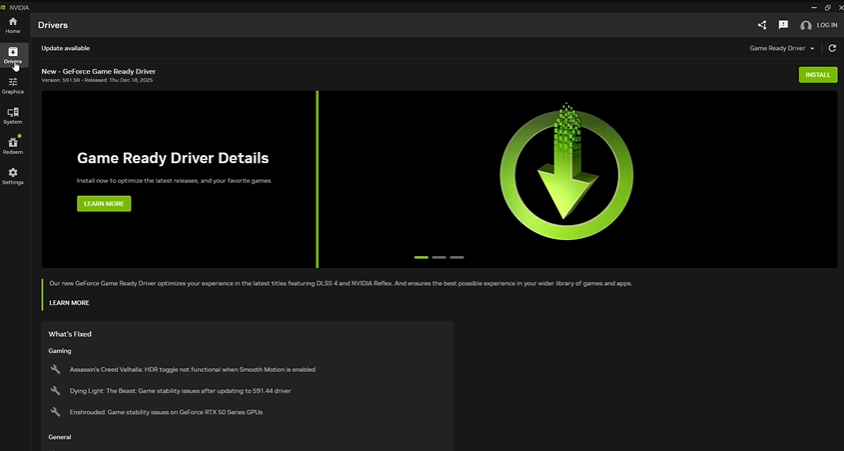
This is another way to bypass the crashing. All you need to do is download the NVIDIA app, and once it’s downloaded, go to drivers and ensure you download the GeForce Game Ready Driver.
This driver supports newer games such as Dunecrawl.
Update your Drivers
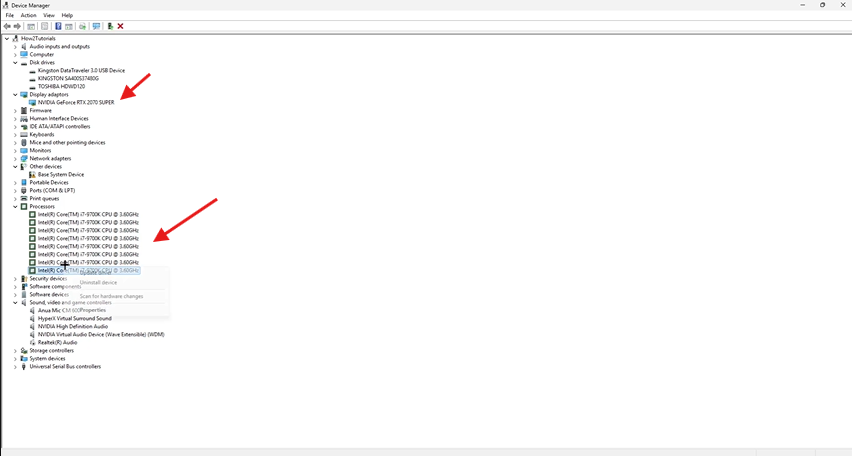
The next thing you need to do is open Device Manager on your PC and update the following drivers.
- Processor
- Display Adaptors
Disable and Enable Realtek Audio
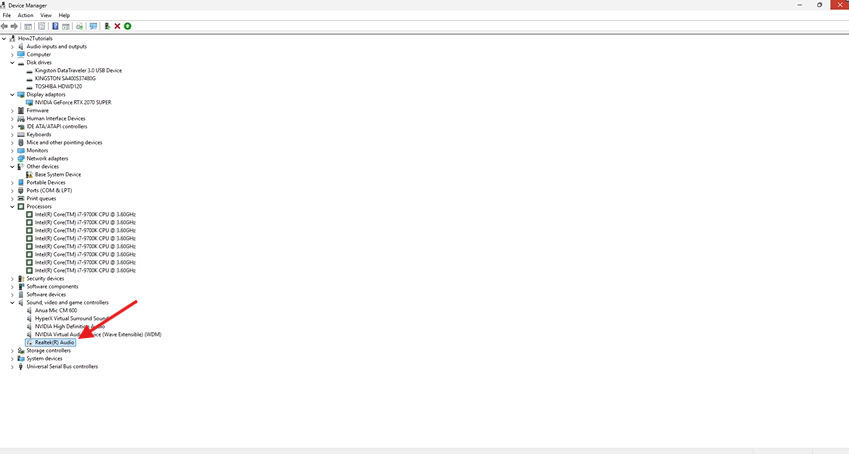
You can also try disabling and then enabling Realtek (R) Audio while still in Device Manager, which should resolve the issues you encounter when trying to launch Dunecrawl.
I hope you enjoyed this quick and easy guide on how to fix Dunecrawl Crashing on Startup. Happy Gaming!
 Olatunde-Bada
 Andrej
 Tafa Mus