

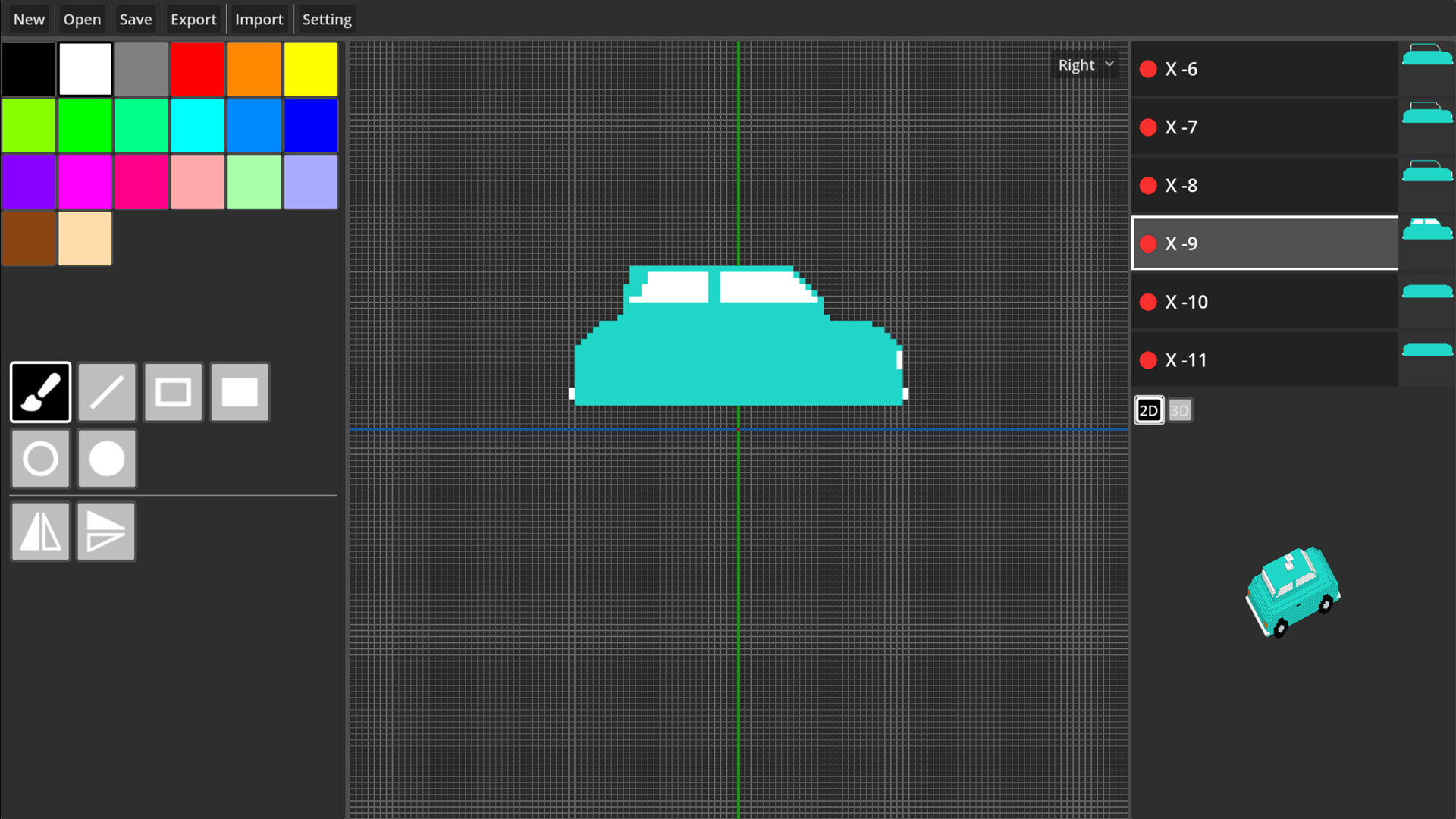
Pixel Builder's intuitive interface and robust features make it a powerhouse for 3D modeling.
But, tackling the basics first is key before diving into advanced techniques.
Unleashing Pixel Builder's Potential
Grasping the Fundamentals
The interface is surprisingly intuitive, making it easy for beginners to pick up. Learn how to create and manage layers, understanding that each 2D slice is a building block for more complex models. This foundational knowledge will serve as the basis for your progression in Pixel Builder.
The game-like progression system rewards users for completing tasks and achieving milestones. As you level up, new features and tools become available, letting you experiment with increasingly complex techniques and models. It’s essential to understand how each feature fits into the larger picture of pixel modeling.
Understanding the Progression System
Rewards include access to advanced layer types like texture maps and normal maps, which grant you the ability to create detailed models with realistic textures and lighting effects – a notable improvement over earlier levels. This unlocks new skills and strategies to improve your modeling abilities.
For example, texture maps allow for more detailed control over surface properties, while normal maps enable the creation of complex shading effects. Mastering these features will take your pixel modeling skills to the next level.
Mastering Layer Management
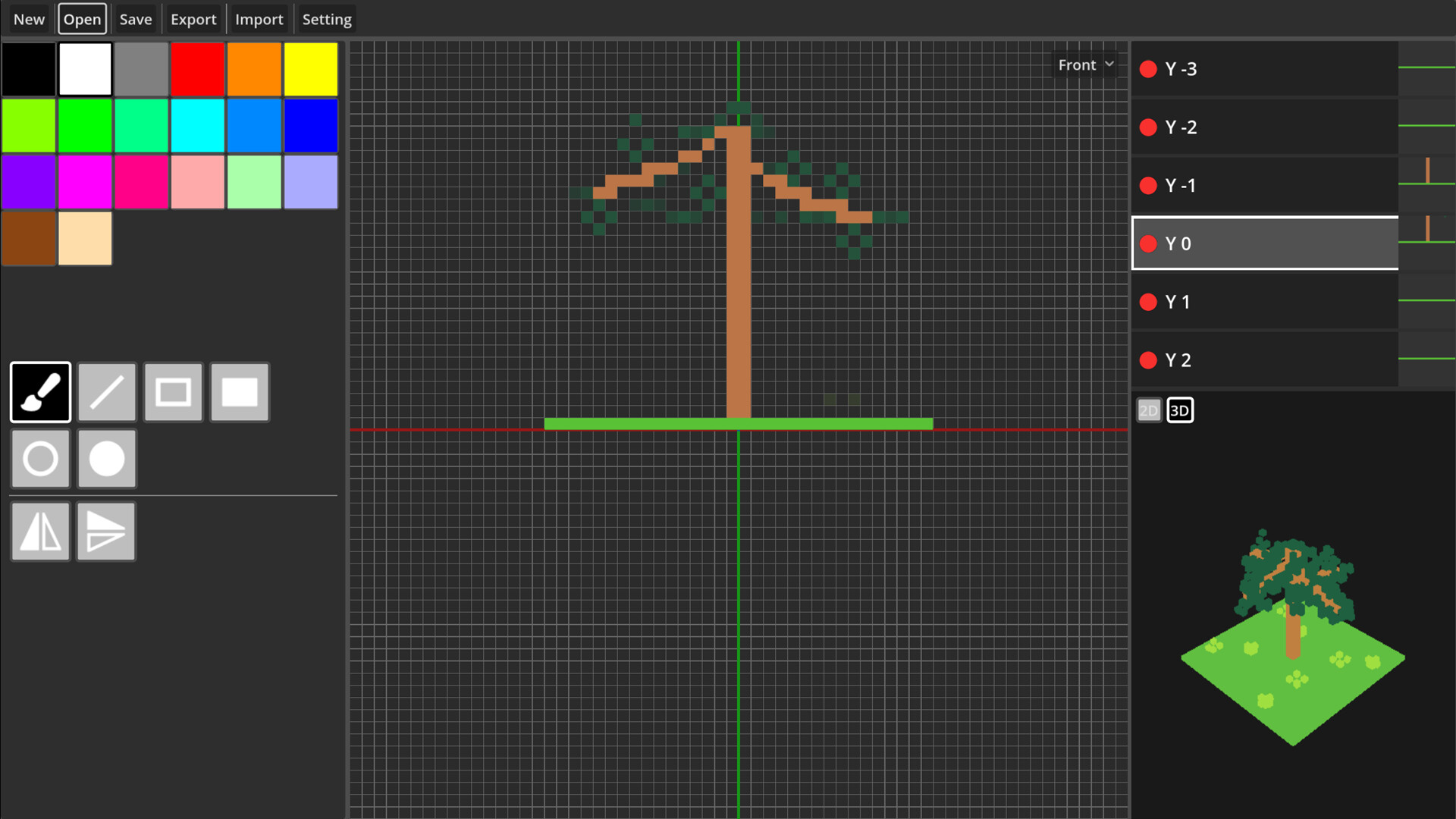
Stacking 2D slices, merging layers, and mastering the undo feature are essential skills for efficient modeling. Practice these techniques until they become second nature; it’ll save you time in the long run and make you more comfortable with handling complex projects.
When working with multiple layers, it’s crucial to understand how each one contributes to the overall model. This requires a deep understanding of layer management principles, including how to effectively use the undo feature to correct mistakes.
Effective Layer Management Strategies
One effective strategy is to group related layers together, making it easier to manage and edit them as a unit. Another approach is to use the undo feature to experiment with different techniques without fear of losing progress.
Additionally, consider using the ‘merge’ function to combine similar layers, reducing clutter and improving workflow efficiency. This will also help you develop a keen eye for detail and identify potential issues early on.
Unlocking Advanced Features
Pixel Builder’s progression system unlocks new features and tools as levels are completed. Access and use advanced features like animation support, OBJ export, and PNG export to greatly enhance your modeling capabilities and open up new creative avenues.
For instance, animation support allows you to create dynamic models that can be used in a variety of applications, from video games to architectural visualizations. By mastering these advanced features, you’ll be able to tackle even more complex projects with confidence.
Exporting Your Creations
When you’re ready to share your creations, export 3D models as OBJ files, PNG images, or animated GIFs to import them into other software and use them in various applications – really, the possibilities are endless. This flexibility is one of the key advantages of using Pixel Builder for your pixel modeling needs.
Don’t forget to explore the Pixel Builder community, where you can find tutorials, share your work, and get feedback from fellow users. This will help you stay up-to-date with the latest features and techniques, as well as connect with like-minded individuals who share your passion for 3D modeling.
Putting it All Together
By following this comprehensive progression guide, you’ll be able to unlock new features, master advanced techniques, and take your pixel modeling skills to the next level. Remember to practice regularly, experiment with different approaches, and don’t be afraid to try new things.
With patience, persistence, and dedication, you’ll become a Pixel Builder pro in no time, capable of creating stunning 3D models that will impress even the most discerning audiences. So what are you waiting for? Start your journey today and discover the true potential of Pixel Builder!
Advanced Techniques and Strategies
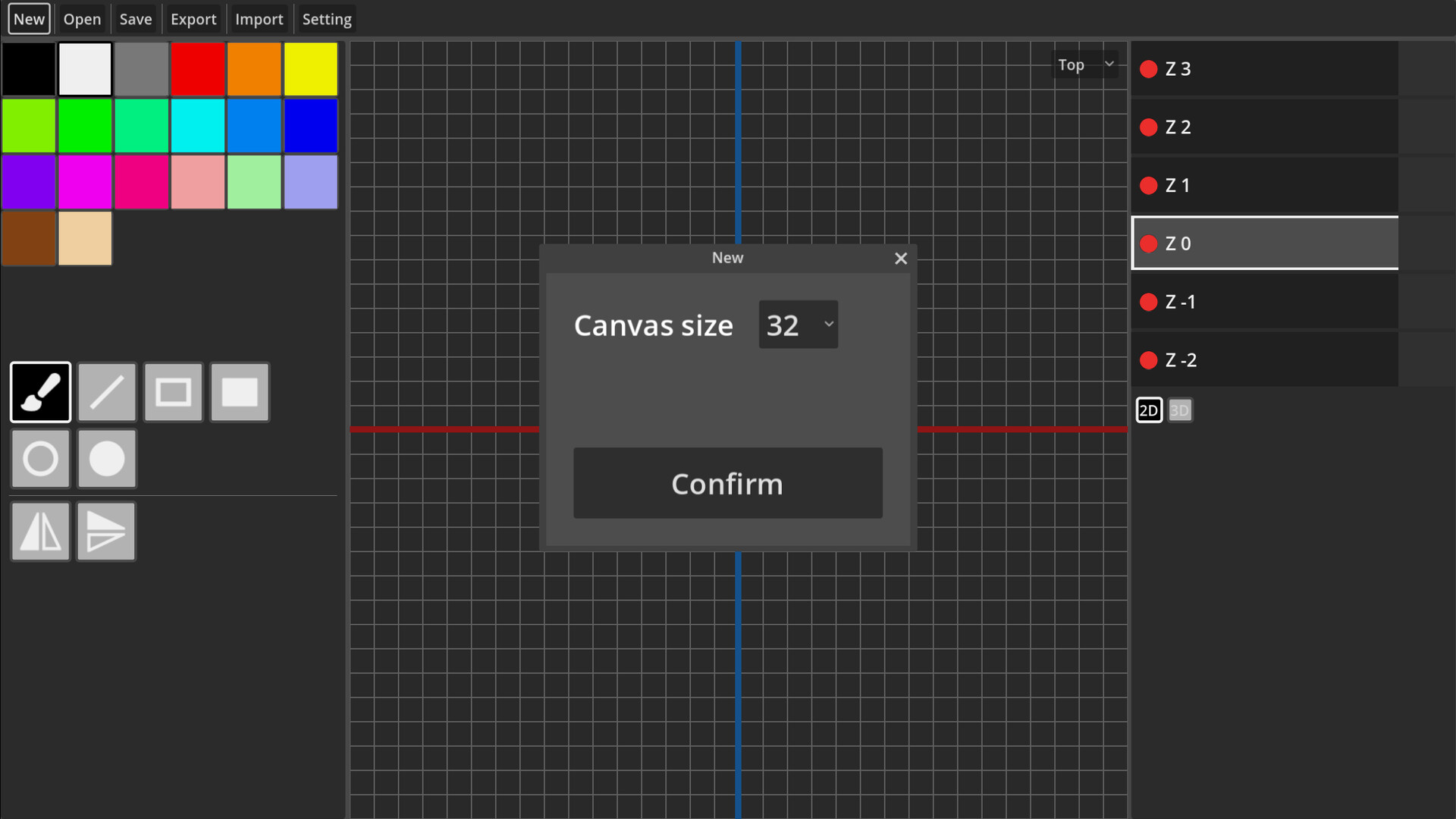
As you progress through the levels, you’ll unlock new techniques and strategies to improve your modeling skills. For example, you can use texture maps to create detailed models with realistic textures and lighting effects.
You can also use normal maps to create complex shading effects. By mastering these advanced features, you’ll be able to tackle even more complex projects with confidence.
Mastering Texture Maps
Texture maps are a powerful tool for creating detailed models with realistic textures and lighting effects. To master texture maps, you need to understand how they work and how to use them effectively in your modeling workflow.
Start by learning the basics of texture mapping, including how to create and apply texture maps, as well as how to adjust their settings to achieve the desired effect.
Mastering Normal Maps
Normal maps are another powerful tool for creating complex shading effects. To master normal maps, you need to understand how they work and how to use them effectively in your modeling workflow.
Start by learning the basics of normal mapping, including how to create and apply normal maps, as well as how to adjust their settings to achieve the desired effect.
Conclusion
By following this comprehensive progression guide, you’ll be able to unlock new features, master advanced techniques, and take your pixel modeling skills to the next level. Remember to practice regularly, experiment with different approaches, and don’t be afraid to try new things.
With patience, persistence, and dedication, you’ll become a Pixel Builder pro in no time, capable of creating stunning 3D models that will impress even the most discerning audiences. So what are you waiting for? Start your journey today and discover the true potential of Pixel Builder!
✅ Verdict
Follow our progression guide to master pixel modeling, unlock new features, and create stunning 3D models with ease.
 Pritish Samantaray