

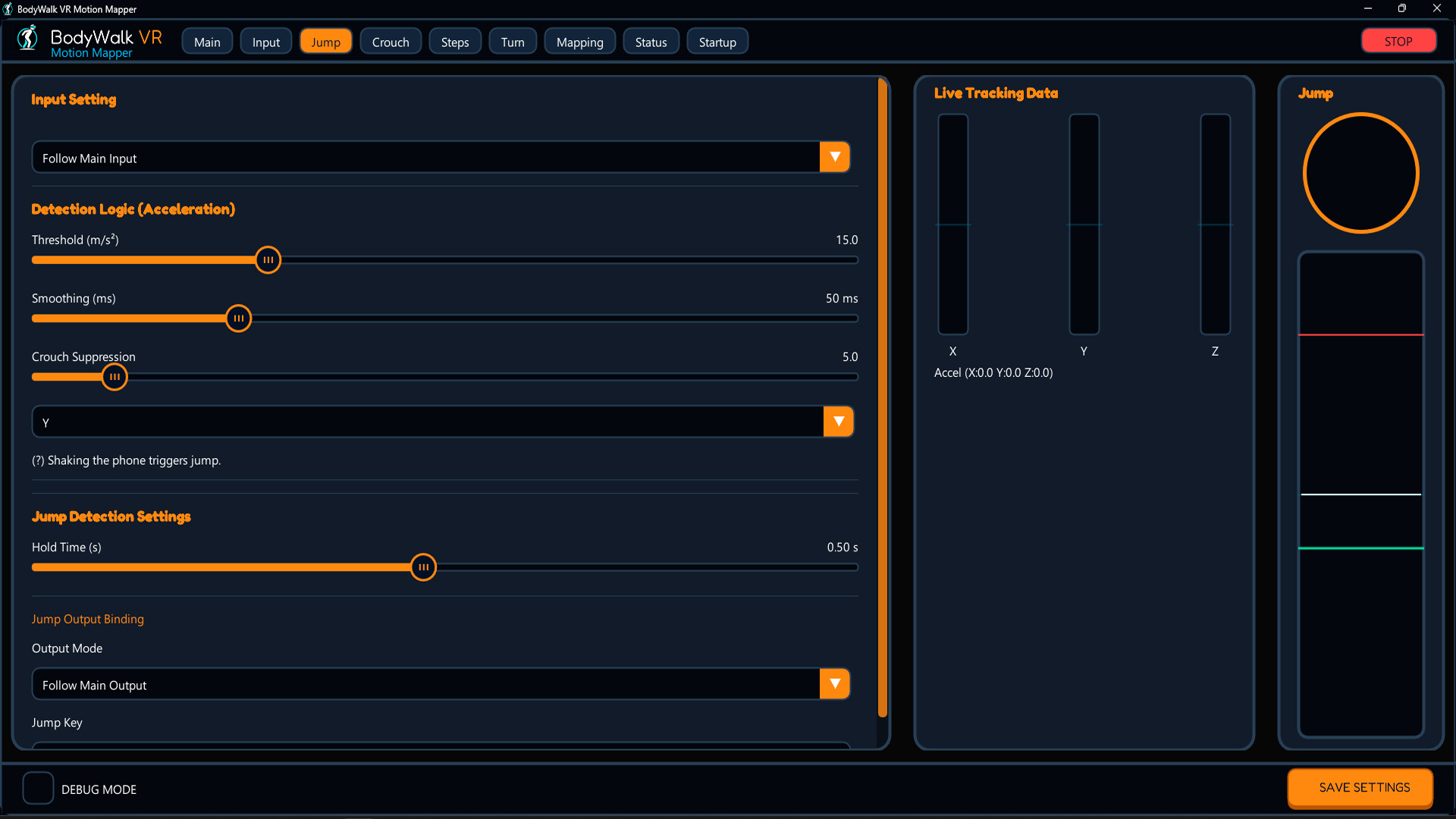
BodyWalk VR Motion Mapper translates physical leg movements into standard XInput or WASD inputs, making plug-and-play VR locomotion possible in your favorite games.
The system requires a decent gaming PC or console – at least 8GB RAM, an NVIDIA GeForce GTX 1060 graphics card, and Windows 10 (64-bit) or later.
Setting Up Your BodyWalk VR Motion Mapper for Success
System Requirements
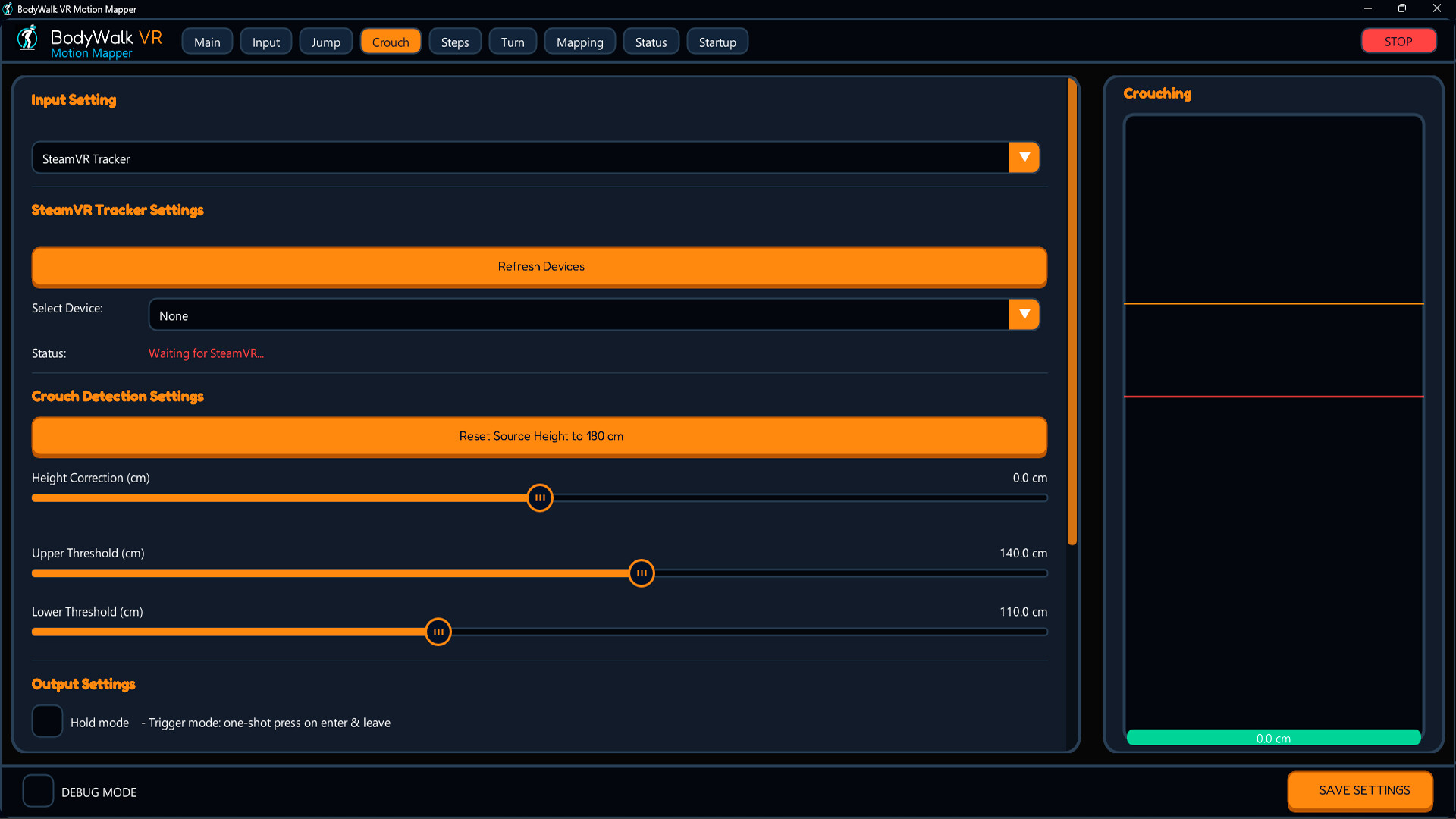
You’ll need a decent gaming PC or console with at least 8GB RAM, an NVIDIA GeForce GTX 1060 graphics card, and Windows 10 (64-bit) or later. A high-performance CPU is also essential for smooth VR experiences.
Avoid motion lag by paying attention to the sensor’s range and accuracy – ideally under 50ms. This is roughly the time it takes for a baseball player to react to a 90mph fastball. In practice, this means ensuring your gaming PC or console can handle the demands of BodyWalk VR Motion Mapping.
Key Performance Metrics
When setting up your system, keep an eye on these key performance metrics:
- CPU: at least 2.5 GHz (Intel Core i5 or AMD Ryzen 5)
- RAM: at least 8GB DDR4 RAM
- GPU: NVIDIA GeForce GTX 1060 or AMD Radeon RX 580
Calibration Tips for Optimal Performance
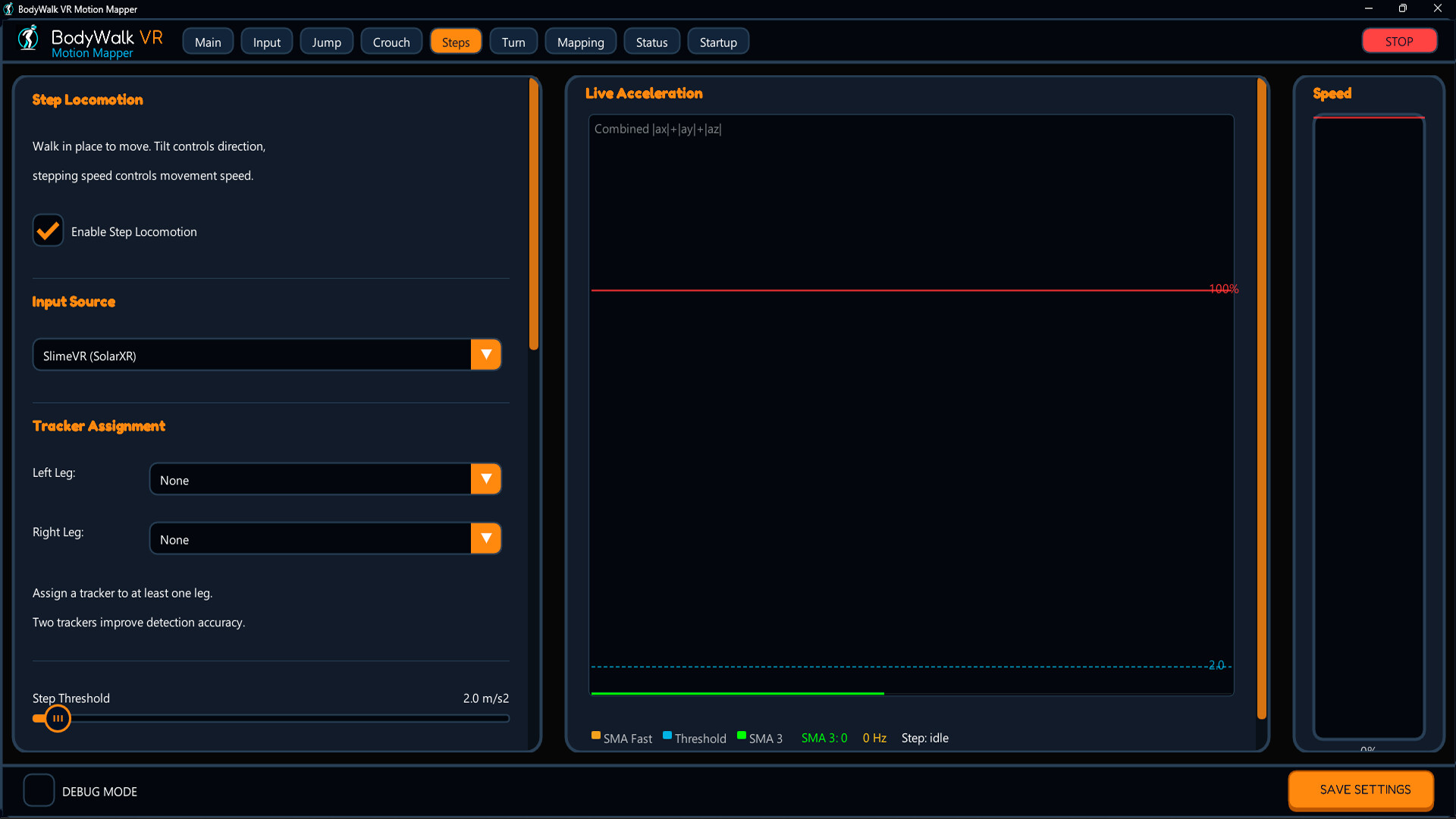
Adjust sensitivity settings carefully, as too high or low can feel like wading through quicksand. Experiment with different calibration methods to find what works best for your gaming style – be prepared to spend quality time in-game.
For example, if you’re playing a fast-paced game like Overwatch, you may want to adjust the sensitivity settings to match the game’s pace. Conversely, if you’re playing a slower-paced game like The Elder Scrolls V: Skyrim, you can set the sensitivity to a lower level for more precise control.
Understanding BodyWalk VR Motion Mapping
BodyWalk VR Motion Mapper is a revolutionary technology that translates physical leg movements into standard XInput or WASD inputs. This allows for plug-and-play VR locomotion in your favorite games, making it easier to immerse yourself in the gaming experience.
The system’s ability to track and translate physical movements makes it an ideal choice for gamers who want to take their gaming experience to the next level. However, proper setup and configuration are crucial to unlocking the full potential of BodyWalk VR Motion Mapper.
Precautions and Considerations
Gaming with BodyWalk VR Motion Mapping is immersive but demands regular breaks to avoid fatigue – your back will thank you. Ensure your gaming space is clear of obstacles or tripping hazards, as accidents can happen.
We’ve all seen the guy who face-planted into his cat tower during a heated game of Overwatch. To avoid such mishaps, make sure to set up a safe and comfortable gaming environment.
Motion Smoothing and Interpolation: The Key to Smooth Gaming
Motion smoothing reduces latency by up to 30%, improving responsiveness. Interpolation modes also offer a balance between speed and accuracy, like finding the sweet spot on a golf club. Experiment with different interpolation settings to find what works best for your gaming style.
For example, if you’re playing a game that requires precise movement, such as a racing game, you may want to use a higher interpolation setting to improve accuracy. Conversely, if you’re playing a game that requires fast movement, such as an action game, you can set the interpolation to a lower level for more speed.
Advanced Techniques for BodyWalk VR Motion Mapping
Take your gaming experience to the next level by experimenting with advanced techniques. For instance, try using different calibration methods or adjusting sensitivity settings in real-time. You can also explore the use of motion smoothing and interpolation modes to further enhance your gaming performance.
Remember, mastering BodyWalk VR Motion Mapping requires patience and practice. Don’t be discouraged if it takes time to adjust – with persistence and dedication, you’ll unlock your full potential and experience an immersive gaming experience like never before.
✅ Verdict
Proper setup and configuration unlock the full potential of BodyWalk VR Motion Mapper, taking your gaming experience to new heights – literally.
 Pritish Samantaray
 Olatunde-Bada