

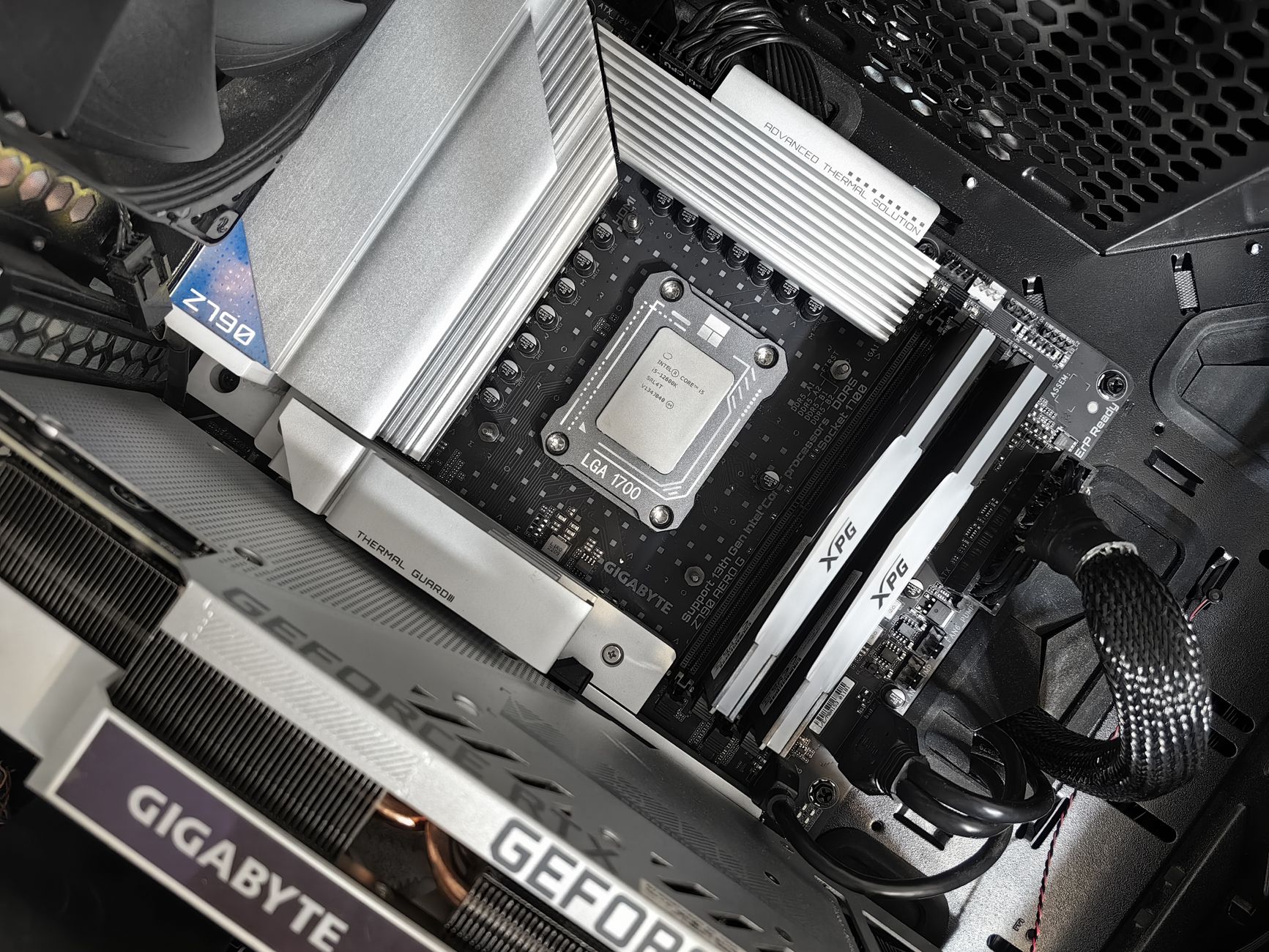
$3500 is tight for building a top-tier gaming PC that handles 1440p at high refresh rates.
You need to prioritize spending to get the best performance without overspending.
Prioritize Performance
GPU: The Heart of High Refresh Gaming
NVIDIA’s GeForce RTX 3080 is a beast that handles at least 200 FPS on 1440p resolutions. Its power efficiency is impressive.
For a GPU, look for models with high clock speeds (1.7 GHz+), memory bandwidth (16 GB GDDR6X or higher), and CUDA/Stream processors (at least 5888). These will give you smooth gameplay and minimal lag.
Prioritizing Performance: GPU Selection
If you’re comparing GPUs, consider their thermal design power (TDP) – it’s not just about raw performance. Case in point: NVIDIA’s GeForce RTX 3080 has a TDP of 260W, while AMD’s Radeon RX 6800 XT clocks in at 230W.
Consider your games and settings – not every GPU is created equal. For instance, if you’re into competitive shooters or esports-style gaming, high refresh rate might be more important than raw performance.
CPU: The Brain of Your Gaming PC
CPUs with at least 8 cores and 16 threads will give your build a solid foundation for 1440p gaming. AMD’s Ryzen 9 5900X or Intel’s Core i9-11900K are top-tier choices that can handle demanding games.
When selecting a CPU, consider its clock speed (3.7 GHz+), cache size (at least 32 MB L3 Cache), and integrated memory controller (IMC). These factors impact performance, power consumption, and cost – make sure they’re in balance.
Motherboard: The Backbone of Your Gaming PC
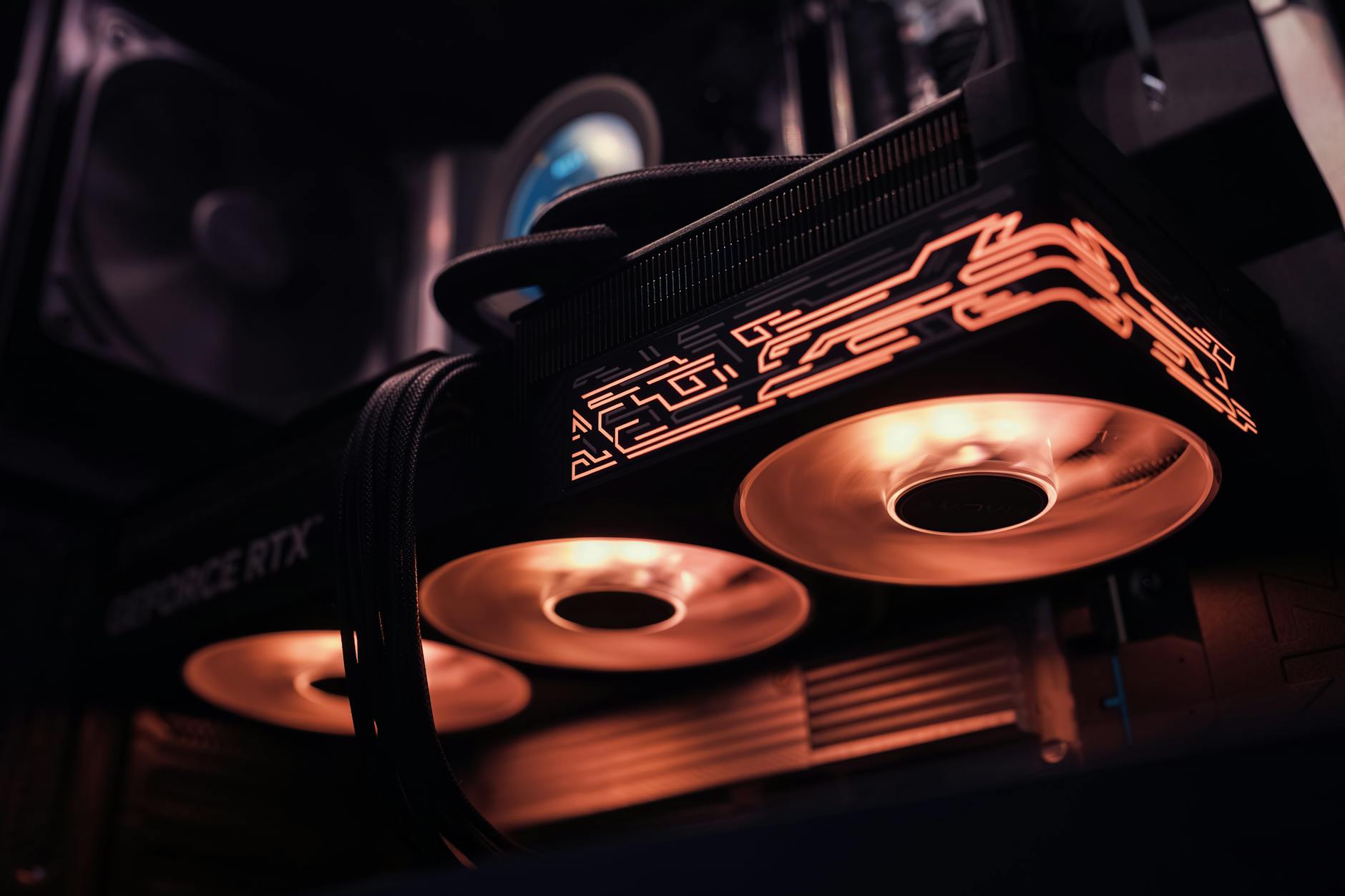
For motherboards, you need something that can handle high refresh gaming demands. Look for motherboards with high-quality power delivery (16+2 phase VRM), solid cooling systems (air or liquid), and excellent connectivity options (at least 4x USB 3.2 Gen 2 ports).
Motherboard Compatibility: A Crucial Consideration
Consider your CPU socket type – are you going with AM4, LGA 1200, or something else? Don’t forget about RAM compatibility – make sure the motherboard can handle your chosen RAM speed and capacity.
When choosing a motherboard, also consider its chipset features. For example, if you’re using an AMD Ryzen CPU, look for motherboards with an X570 or B550 chipset. These chipsets offer advanced power management, high-quality audio, and excellent storage options.
RAM: The Memory of Your Gaming PC
RAM is essential for smooth gaming performance, especially when running high-resolution games at high refresh rates. Aim for at least 16 GB of DDR4 RAM with a speed of 3200 MHz or higher – but don’t skimp on quality.
We recommend looking for RAM that’s compatible with your CPU and motherboard, and has sufficient cooling capabilities to prevent overheating. Don’t let thermal throttling issues bog down your build.
Power Supply and Cooling
A reliable power supply is essential for handling high refresh gaming demands. Look for a PSU with at least 650W of power, and consider its efficiency rating (80+ Gold or higher). Don’t forget about cooling – a good liquid cooling system can help prevent overheating issues.
Power Supply Guide: Choosing the Right PSU
We recommend checking out our Build Check: Power Supplies section for more information on selecting the right PSU for your build. It’s also essential to consider the noise level and airflow of your case when choosing a power supply.
CPU and GPU Pairing: The Key to High Refresh Gaming
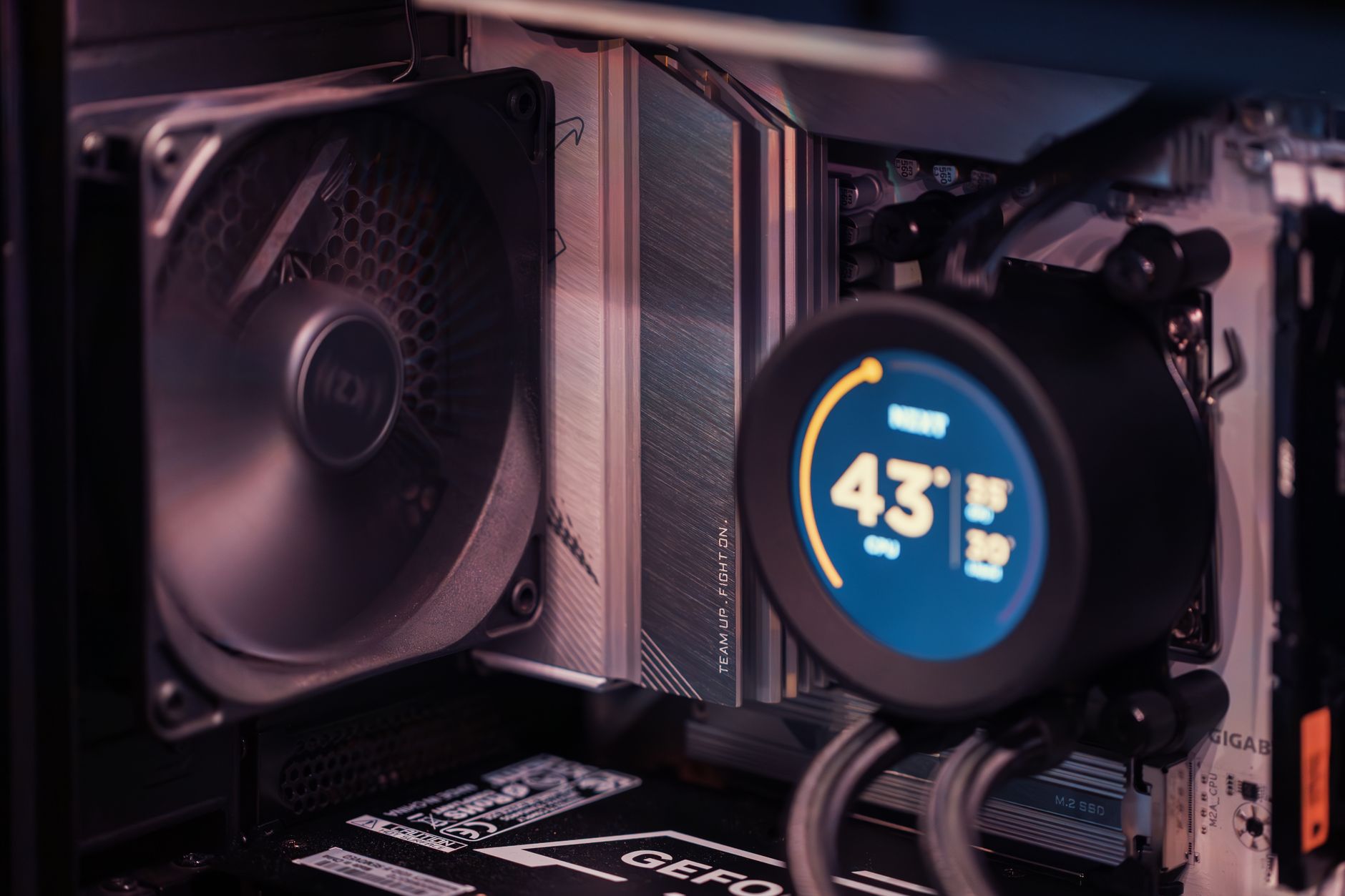
The CPU and GPU are two of the most critical components when building a high refresh gaming PC. When pairing them, consider their clock speeds, cache sizes, and memory bandwidth. A well-matched pair can provide seamless performance and minimal lag.
For example, pairing AMD’s Ryzen 9 5900X with NVIDIA’s GeForce RTX 3080 will provide exceptional performance at high refresh rates. However, if you’re on a tighter budget, consider pairing the Ryzen 7 5800X with the Radeon RX 6800 XT for a more affordable option.
Building a Balanced Build: The Key to Success
A well-balanced build is key to achieving high refresh rates at 1440p. This means finding a balance between power consumption, performance, and cost. Don’t overspend on a single component – prioritize the most critical ones first.
We’ll explore some of the best components for building a balanced build in our Build Check: Balanced Builds section. Be sure to check it out for more information on creating a high-performance gaming PC without breaking the bank.
Budget-Friendly Options for High Refresh Gaming
If you’re on a tight budget, don’t worry – there are still plenty of options available for building a high refresh gaming PC. Consider using last year’s model or looking for discounts on current components. You can also opt for a more affordable GPU and CPU combination to save money.
✅ Verdict
With careful planning, you can build a top-notch 1440p high refresh gaming PC within $3500. Focus on key components like GPU, CPU, and RAM, balancing quality and cost.
 Andrej
 Olatunde-Bada