


Setting up a monitor for dual mode gaming and video editing can be a nightmare.
The Ultimate Showdown: Dual Mode Monitor Comparison
Response Times: A Key Metric for Gamers
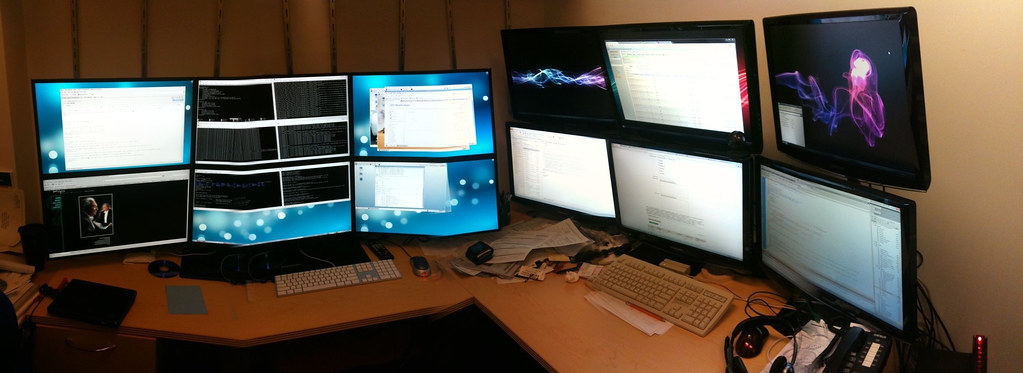
The Asus ROG Strix XG27UCG edges out the Gigabyte M27UP with a 2ms response time, whereas its competitor comes in at 3ms. This difference can be particularly noticeable in fast-paced games like Overwatch.
Although the Gigabyte M27UP still delivers an excellent gaming experience, the Asus ROG Strix XG27UCG is the better choice if you prioritize speed. In fact, a 1ms response time difference can make a significant impact on your performance, especially in games that require quick reflexes.
Exploring the Impact of Response Time on Gaming Performance
Response time refers to the amount of time it takes for a pixel to change color. In gaming, this can be crucial as even slight delays can affect your overall experience. The Asus ROG Strix XG27UCG’s 2ms response time is significantly faster than the Gigabyte M27UP’s 3ms.
To put this into perspective, consider a game like Overwatch where quick reflexes are essential. In such scenarios, even a 1ms difference can make a significant impact on your performance. For example, if you’re playing a fast-paced game and your monitor has a slower response time, you may experience delayed reactions and difficulty keeping up with the action.
Real-World Impact: How Response Time Affects Gaming
Let’s take it to the next level by examining how response time affects gaming in real-world scenarios. Imagine playing a competitive game like League of Legends, where split-second decisions can make all the difference. With a 2ms response time, you’ll be able to react faster and stay ahead of your opponents.
On the other hand, if you’re using a monitor with a slower response time, you may find yourself struggling to keep up with the action. This can lead to frustration, especially in games that require quick reflexes. By choosing a monitor with a fast response time like the Asus ROG Strix XG27UCG, you’ll be able to enjoy a smoother gaming experience.
USB Ports: A Critical Consideration
The Gigabyte M27UP’s four USB ports make it a top pick for users who need to connect multiple devices at once. This monitor clearly caters to multitaskers, featuring an array of ports designed to handle heavy use. With four USB ports, you can easily connect your keyboard, mouse, and other peripherals without having to worry about running out of space.
In contrast, the Asus ROG Strix XG27UCG only offers two USB ports, limiting its appeal for those with numerous peripherals to connect. However, it’s worth noting that the Asus monitor does offer a KVM switch, which allows you to control multiple devices from a single keyboard and mouse.
Panel Type: A Trade-Off
The Asus ROG Strix XG27UCG employs an IPS panel, which is generally more stable over time. However, OLED panels like the one in the Gigabyte M27UP offer better color accuracy and contrast ratio, albeit with a risk of burn-in.
To mitigate this issue, users can employ screen savers or adjust display settings. If you plan to use your monitor for extended periods, an IPS panel might be a safer bet. However, if you’re looking for the best possible image quality, an OLED panel like the one in the Gigabyte M27UP could be worth considering.
Panel Type: A Trade-Off in Dual Mode PC Gaming
Dual mode monitors like the Asus ROG Strix XG27UCG and Gigabyte M27UP often employ different panel types to cater to various needs. While IPS panels are more stable, OLED panels offer better color accuracy.
For gamers who prioritize speed and responsiveness, an IPS panel might be a better choice. However, for those who value color accuracy and contrast ratio, an OLED panel like the one in the Gigabyte M27UP could be a better option. Ultimately, the choice between these two monitors will depend on your specific needs and preferences.
Dual Mode PC Gaming Monitor Comparison: Key Takeaways

In conclusion, both the Asus ROG Strix XG27UCG and Gigabyte M27UP are excellent dual mode pc gaming monitor options. However, they cater to different needs and preferences. If you prioritize speed and responsiveness, the Asus monitor might be a better choice. But if you value color accuracy and contrast ratio, the Gigabyte monitor could be worth considering.
Which Monitor is Right for You?
The decision between these two monitors ultimately comes down to your specific needs and preferences. If you’re looking for a monitor that can handle fast-paced games with ease, the Asus ROG Strix XG27UCG might be a better choice. But if you need a monitor that can deliver excellent image quality and color accuracy, the Gigabyte M27UP could be worth considering.
✅ Verdict
While the Asus ROG Strix XG27UCG has better response times, the Gigabyte M27UP's additional USB ports and KVM switch make it a more practical choice for multitaskers.
 Pritish Samantaray
 Jakeyy
 Olatunde-Bada