

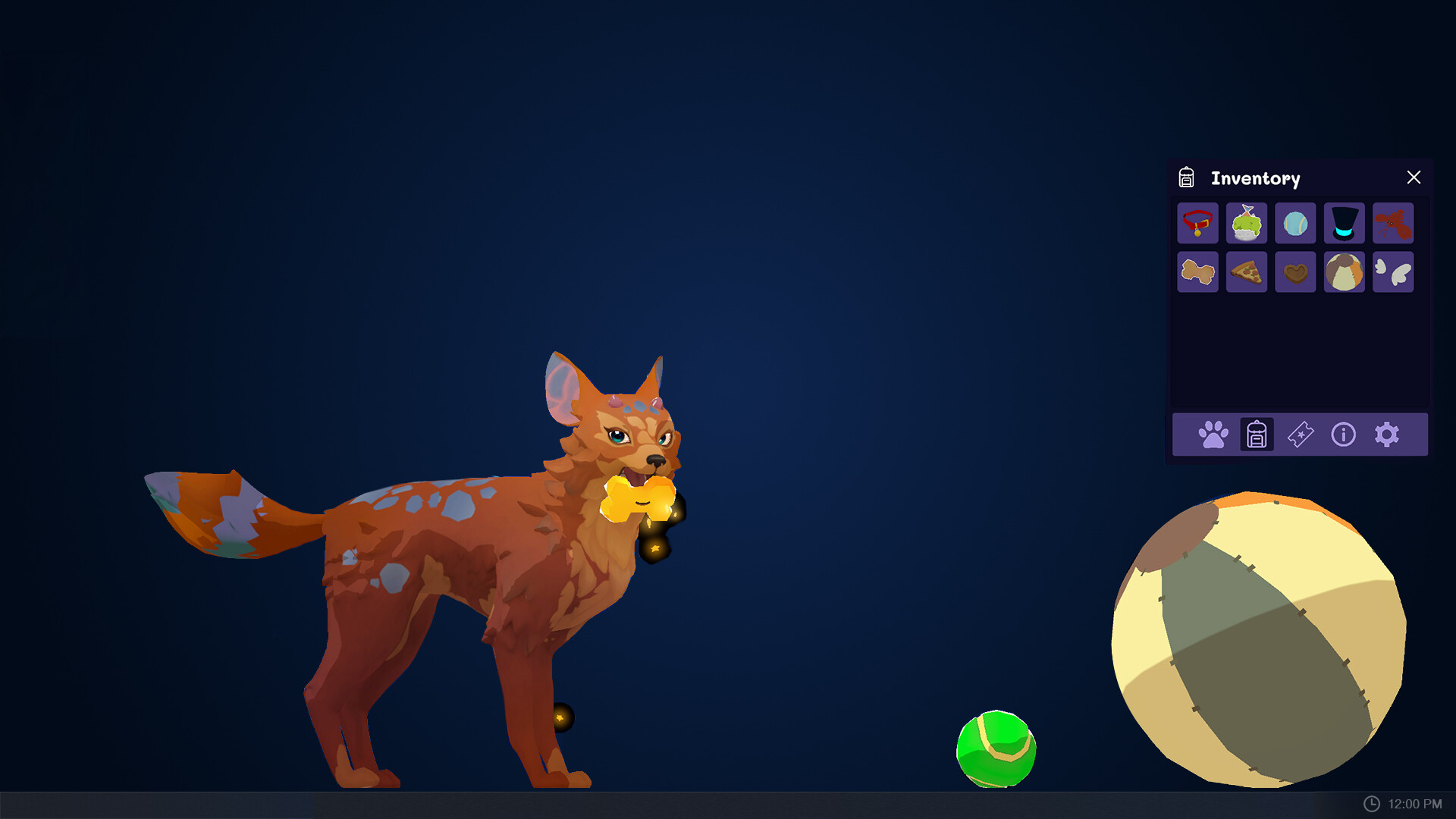
With over 10 million downloads, Stay: Ember's Desktop Adventures has already captured the hearts of many.
But beyond its cute and cuddly interface lies a wealth of customization options and interactive elements waiting to be explored.
Unlocking the Full Potential of Stay: Ember's Desktop Adventures
Customizing Ember’s Environment
You can change the background, add furniture, and create a custom theme for your desktop. But did you know that tailoring Ember’s environment to her personality unlocks new behaviors and interactions? For instance, if you’re familiar with the concept of animal behavior in real life, you’ll appreciate how Stay: Ember’s Desktop Adventures mimics this phenomenon.
- For example, add fun toys or obstacles to her play area if you want Ember to be more energetic. She’ll react with excitement, making the experience even more immersive.
Tips for a More Immersive Environment
Consider adding plants or decorations that match Ember’s personality and preferences. This will not only make her environment look more appealing but also influence her behavior and interactions. You can explore different themes, such as a forest or beach setting, to create a unique atmosphere.
- For instance, if you add a cat tree to her play area, Ember might start climbing and playing with it, making the experience even more engaging.
Understanding Ember’s Behavior
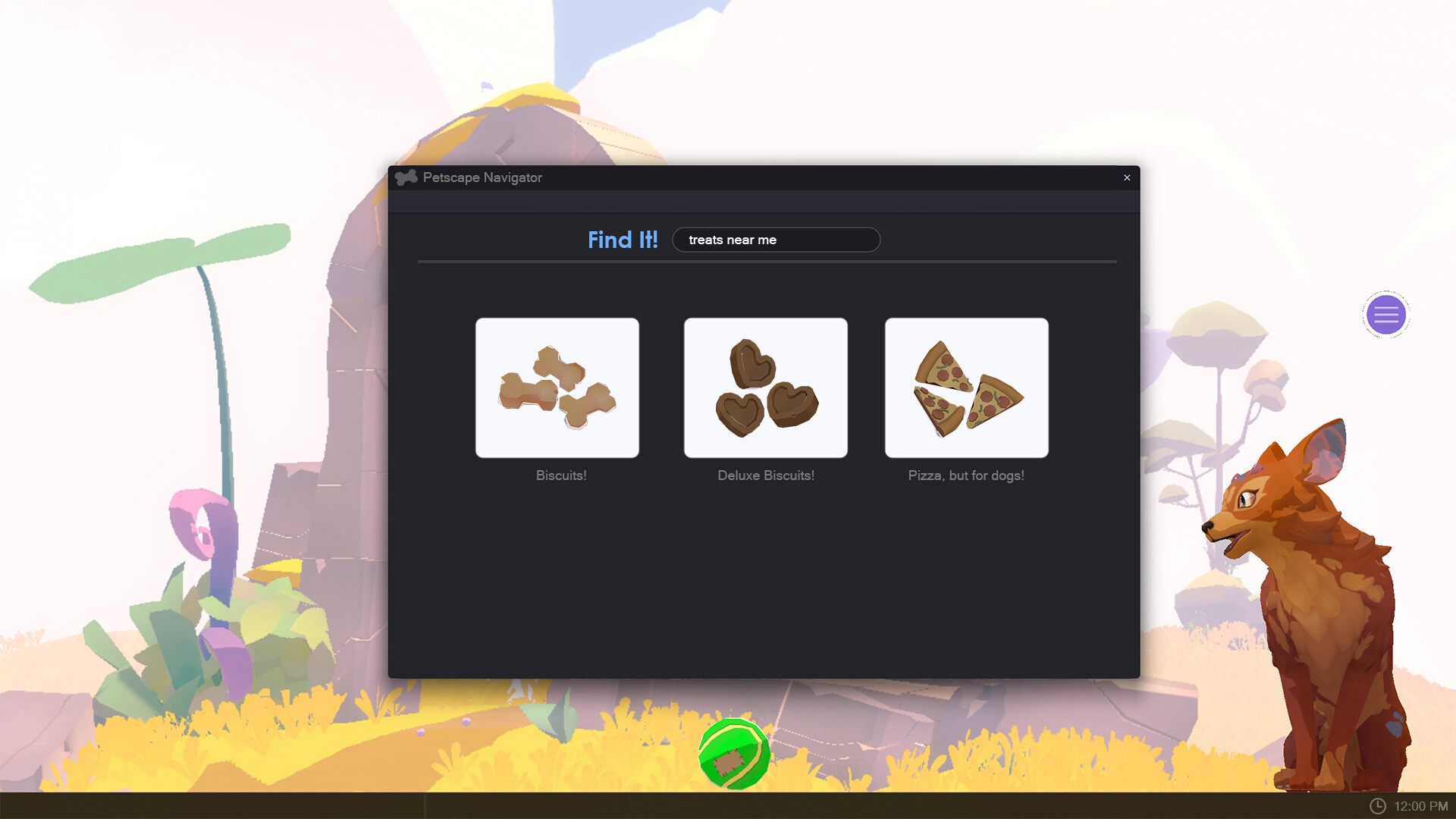
Ember is a virtual pet that feels alive – what drives her behavior? Interact with her in different ways and influence her actions and reactions. If you want Ember to be more affectionate, try feeding her treats or giving belly rubs.
- Conversely, play games with her or take her for a virtual walk if you want Ember to be more energetic. She’ll respond accordingly, adapting to your interactions.
Ember’s Emotional State
The ’emotional state’ feature is a great tool to monitor Ember’s mood and tailor your interactions to her emotional needs. By doing so, you can create a more realistic and engaging experience that will captivate you for hours on end.
- For example, if Ember is feeling stressed or anxious, try giving her a virtual bath or playing soothing music in the background to calm her down.
Maximizing Your Time with Ember
Stay: Ember’s Desktop Adventures boasts a seamless and intuitive interface – but there are ways to optimize your experience. Create a schedule for feeding and playing with Ember, or set reminders to interact with her throughout the day.
- For instance, automate tasks like food replenishment or playtime if you’re away from your desktop for an extended period. This way, Ember will stay happy and engaged when you return.
Tips for a More Immersive Experience
Learn about Ember’s favorite foods and toys, experiment with different environments and settings, and don’t be afraid to try new things. With these insider secrets, you’ll unlock a one-of-a-kind experience that will captivate you for hours on end.
- For example, use the ’emotional state’ feature to monitor Ember’s mood. Tailor your interactions to her emotional needs and make the experience even more realistic and engaging.
Advanced Customization Options
One of the most exciting aspects of Stay: Ember’s Desktop Adventures is its customization options. You can personalize everything from Ember’s appearance to her behavior, creating a truly unique experience that reflects your personality.
Customize Ember's Appearance: With advanced customization options, you can change Ember's fur color, eye shape, and even her accessories. This level of detail allows you to create a virtual pet that looks exactly like your real-life pet or one you've always wanted.
- For instance, customize Ember’s appearance to match your favorite breed or mix-and-match different features to create a unique look.
Community and Support
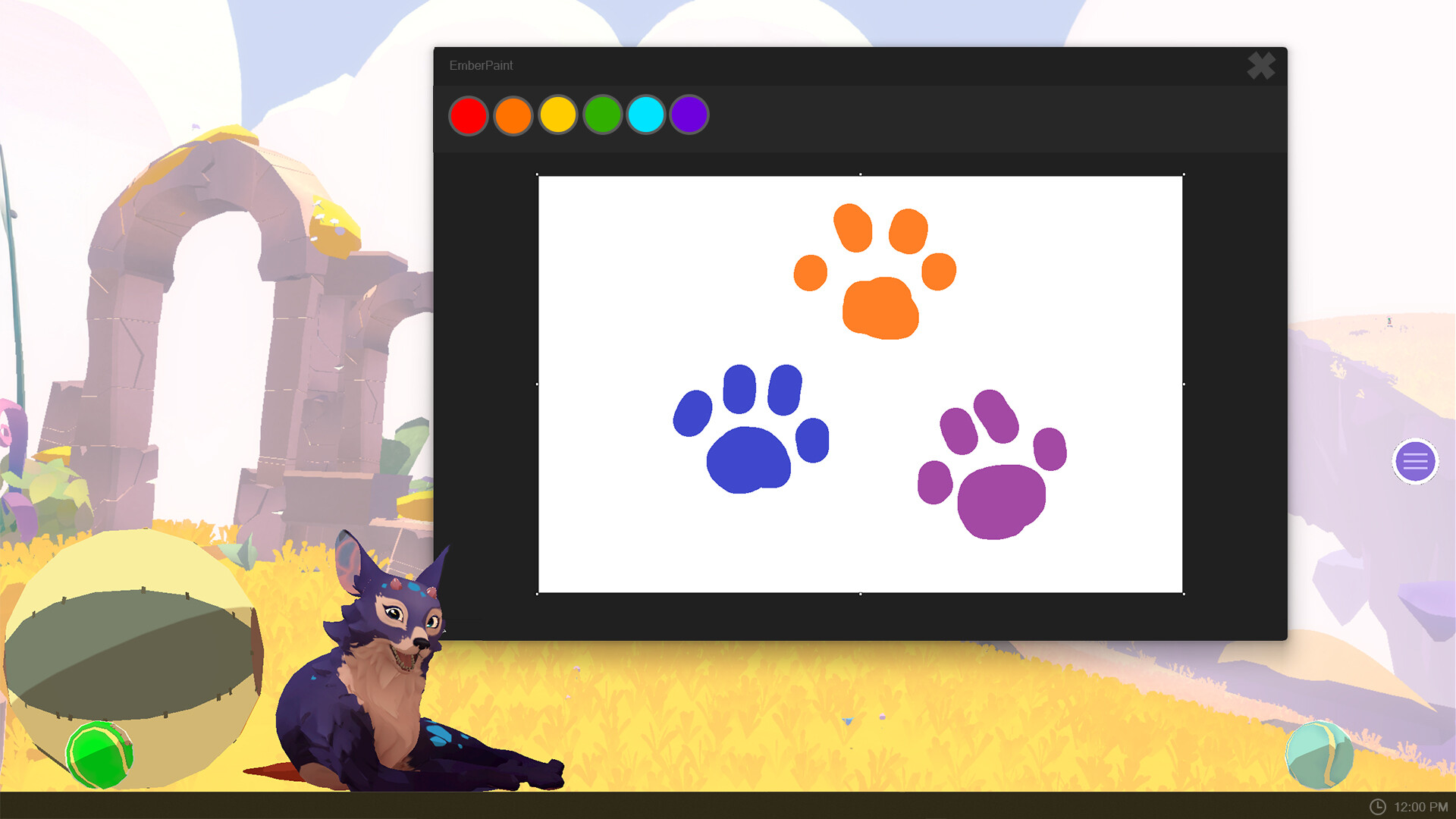
Stay: Ember’s Desktop Adventures has an active community of players who share their experiences, tips, and tricks. You can connect with other players, ask for advice, and learn from their expertise.
Join the Community: Connect with other Stay fans on online forums or social media groups to stay up-to-date on the latest updates, patches, and new features.
- For example, join online forums or social media groups to connect with other Stay players and learn from their experiences.
Tips for a More Immersive Experience
Learn about Ember’s favorite foods and toys, experiment with different environments and settings, and don’t be afraid to try new things. With these insider secrets, you’ll unlock a one-of-a-kind experience that will captivate you for hours on end.
- For example, use the ’emotional state’ feature to monitor Ember’s mood. Tailor your interactions to her emotional needs and make the experience even more realistic and engaging.
Expanding Your Knowledge
Want to take your Stay: Ember’s Desktop Adventures experience to the next level? Learn about advanced topics like animal behavior, psychology, and game development. This will not only enhance your understanding of the game but also provide you with valuable insights into the world of virtual pets.
- For instance, explore online resources or books on animal behavior and psychology to gain a deeper understanding of Ember’s behavior and interactions.
✅ Verdict
Our expert tips and tricks will help you unlock the full potential of Stay: Ember's Desktop Adventures, making it an essential addition to your desktop.
 Andrej